
Scan to count
Scan it. Count it. Done.
Walk the bar with your phone. Every scan counts a bottle, open bottles take one drag, and Bar Ledger checks each section for anything you missed before you move on.
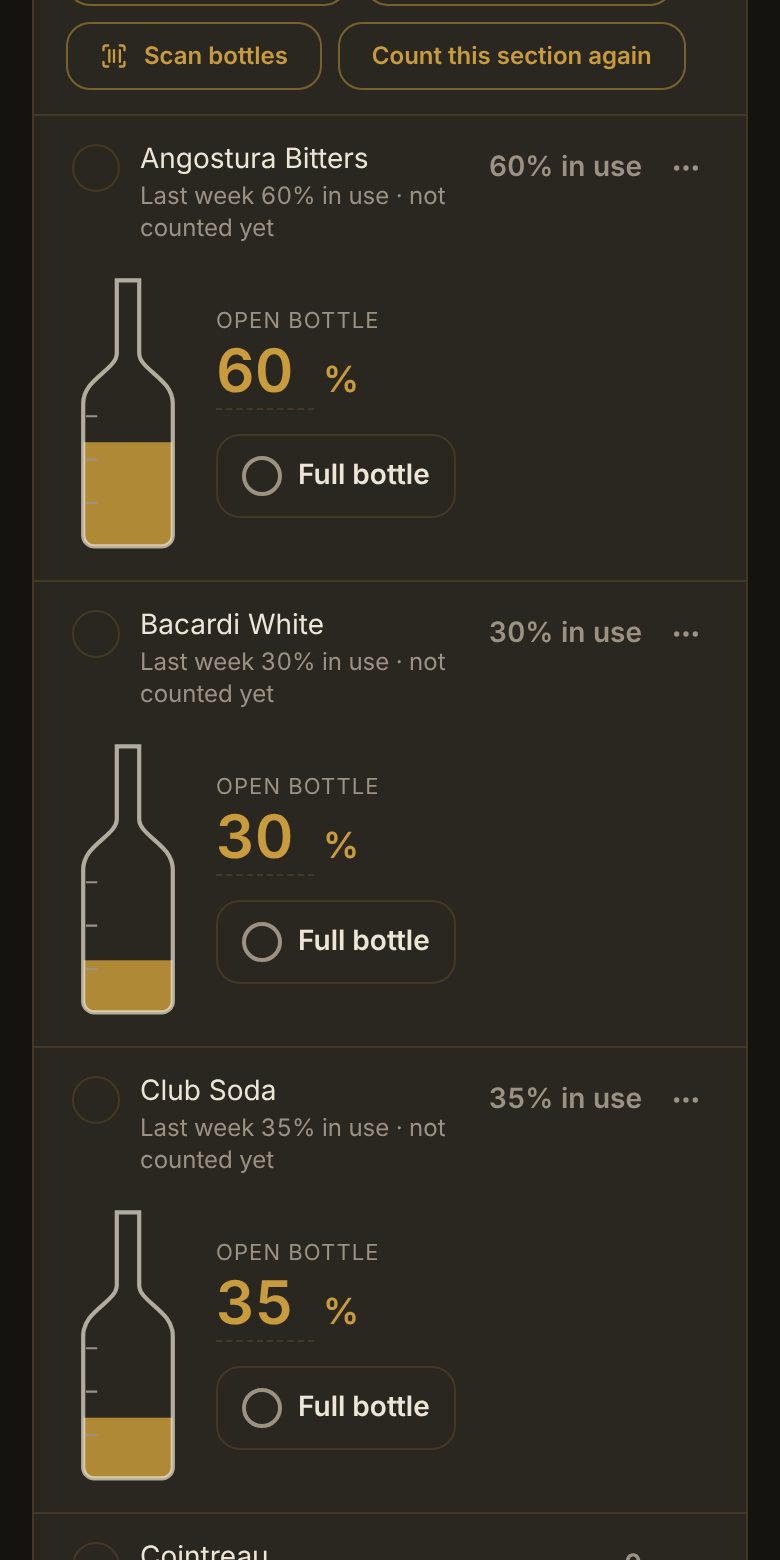
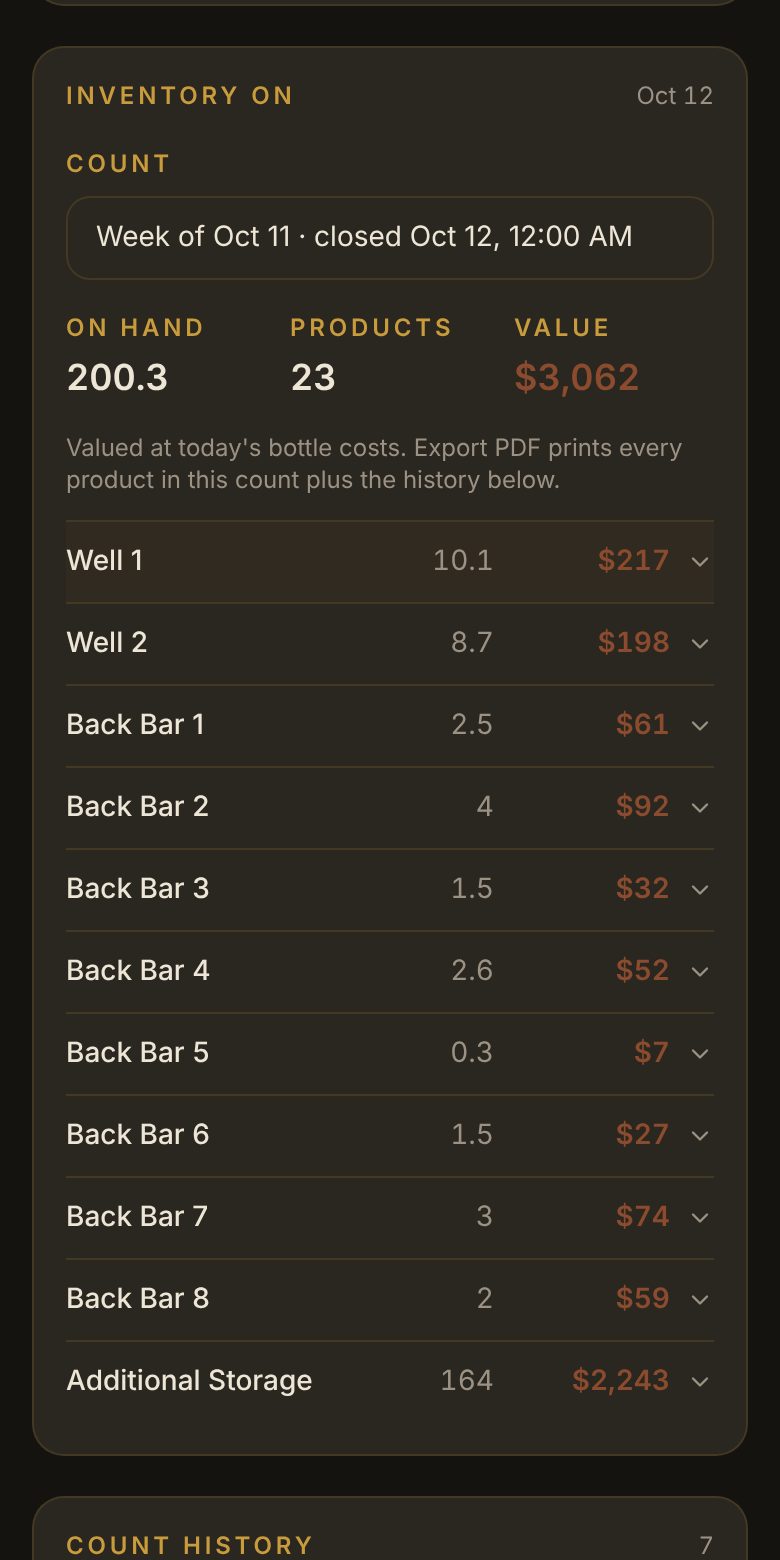
How a scan count works
- Choose scanning or counting by hand when you start. Some bars scan the storage room and count the well by hand; both are fine.
- Scan each bottle. The camera stays on from section to section, and every scan counts a bottle. A barcode Bar Ledger hasn't seen before asks you which product it is, once, and remembers it.
- Drag the open bottles to what's left. No tenths to call out, no clipboard.
- Check each section. Before you move on, Bar Ledger lists anything in that section you haven't counted, so you can tick "None here" or go back for it. Need to start a section over? "Count this section again" brings back last week's numbers.
- Close the count. Usage, pour cost and variance against your POS sales are worked out for you.
What happens after the count
- Usage and pour cost for every product, from your counts and invoices.
- Variance against your POS. Import the sales report from Toast, Square, Clover or any POS that exports a spreadsheet. On Pro, Toast sales can come in directly.
- Orders by par, emailed to your rep in one tap.
- Mistakes are fixable. Owners and managers can correct a closed count, and on hand and reports update to match.
Works on the phone you already have
Scan to count runs in the Bar Ledger web app on any phone's browser, so there's nothing to buy and nothing to install, and the iPhone app scans too. Each person on your team signs in with their own PIN on a shared bar device.
Pricing
Essentials is $49 per bar per month and includes scanning, invoices, orders, POS variance, reports and your whole team. Pro is $99 per bar per month and adds more than one bar on one login and Toast sales pulled in directly. Every bar starts with 14 days of Pro free, no card required. Cancel anytime.
Try a scan count on this week's inventory.
Every bar starts with 14 days of Pro, no card required. Send us one recent invoice and we'll set up your product list for you, so your first count is ready to go.